
Connect in a few steps
Select a server and start a VPN connection from the app’s main screen.
A simpler way to connect. Explore available VPN servers, choose the one you need, and manage your connection in just a few steps with CloudVPN.
For Android · Internet connection required
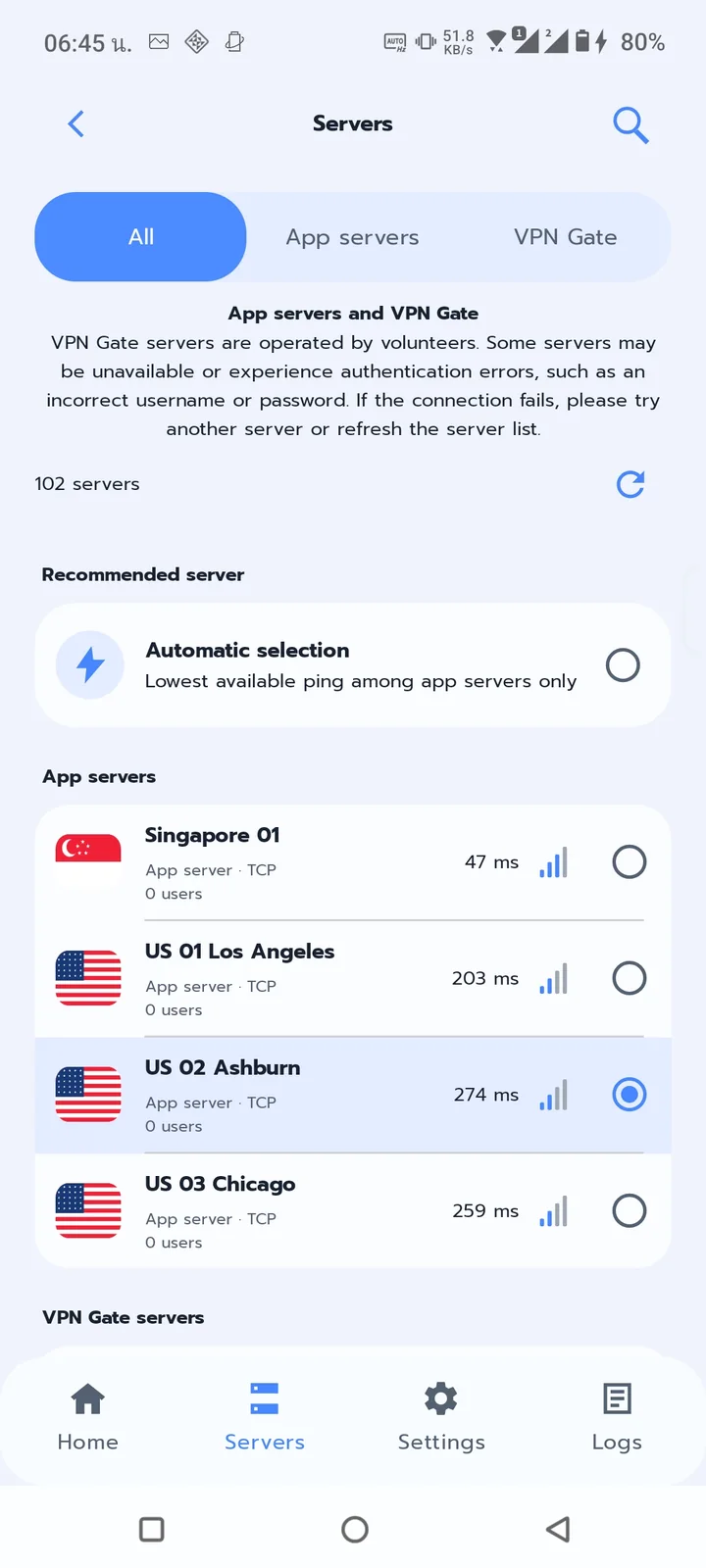
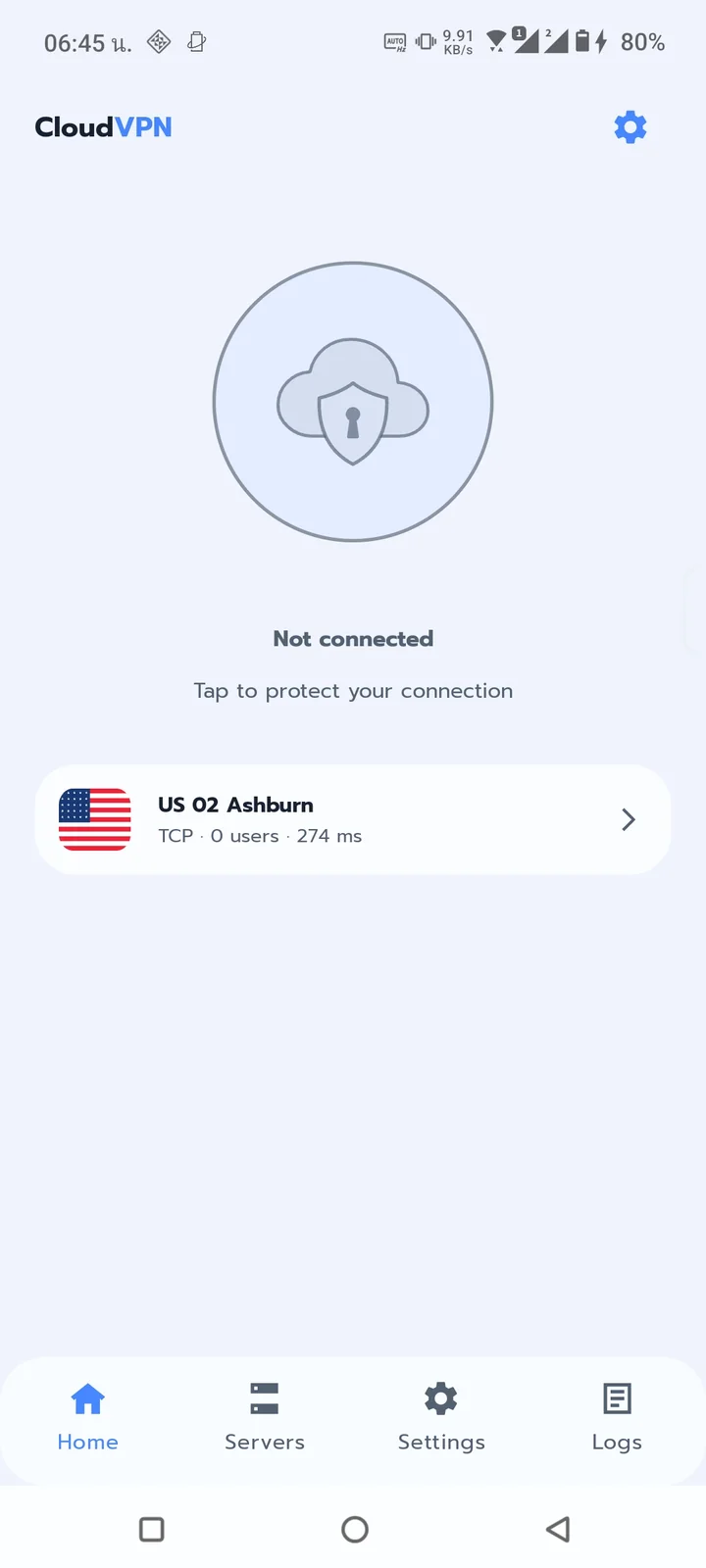
A thoughtfully simple VPN experience, focused on making everyday connection management convenient.
Select a server and start a VPN connection from the app’s main screen.
Browse available server options and categories shown in the app.
VPN technology encrypts traffic between your device and the VPN server.
Check your VPN connection status and manage it from the app.
Adjust supported options such as language, theme, and connection preferences.
Designed for general internet activities, from browsing websites to online services.
A straightforward interface that puts servers, connection status, and settings within easy reach.
Screenshots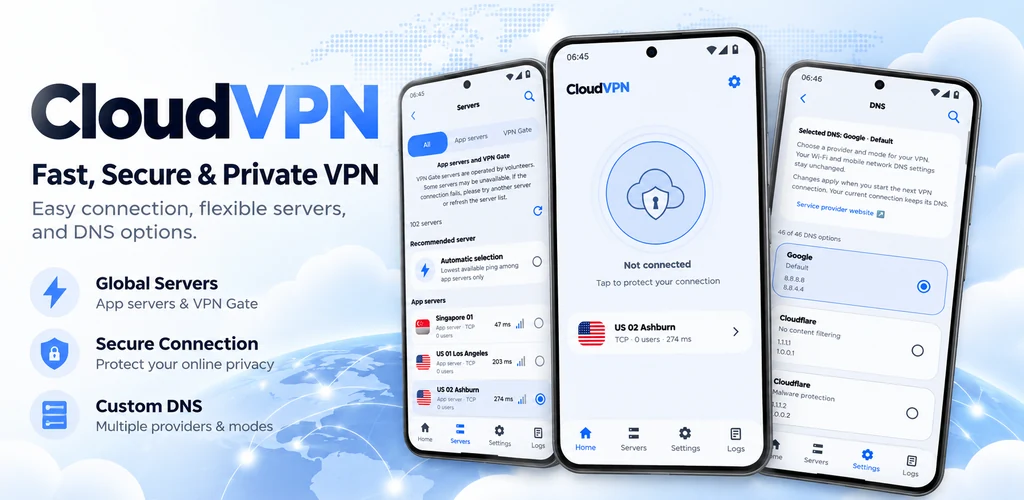
Actual screenshots from CloudVPN on Android
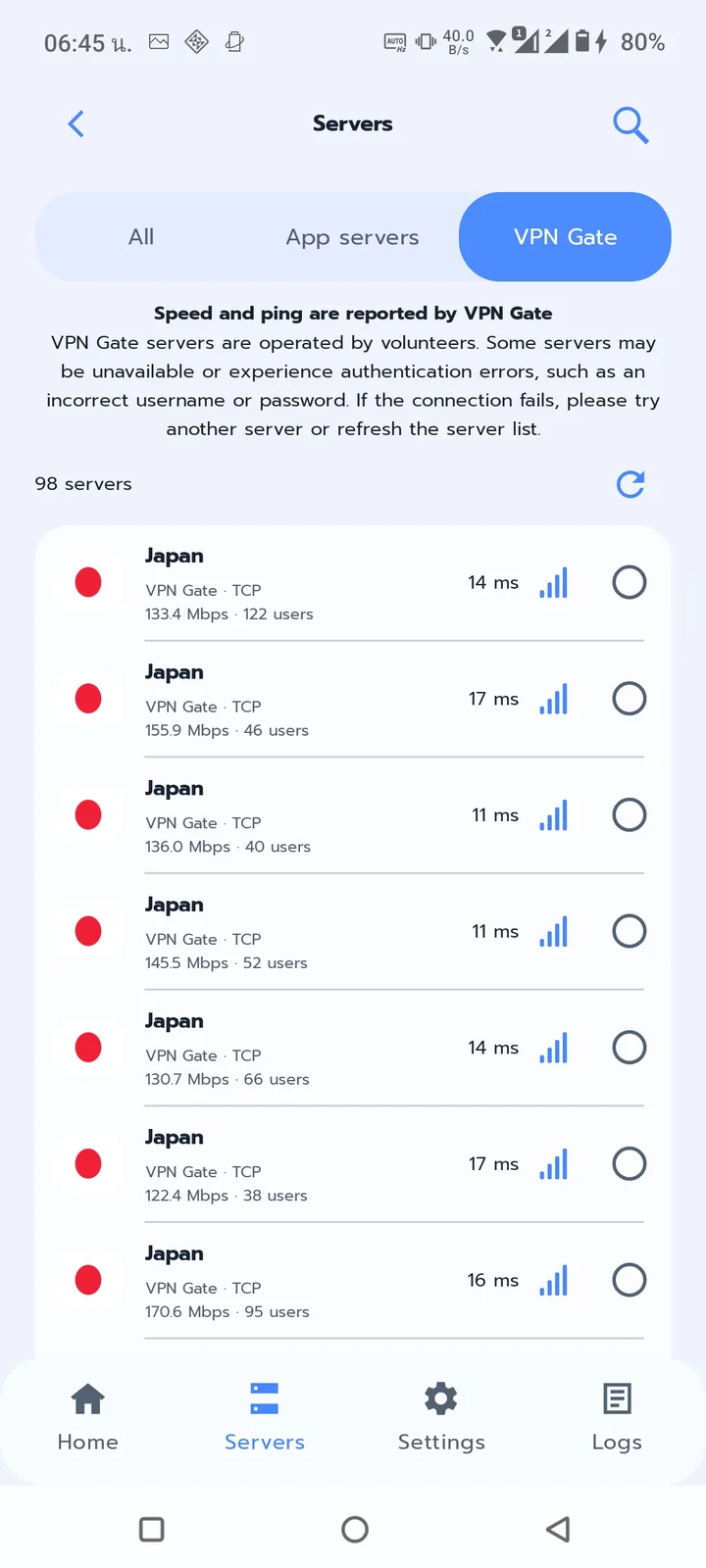
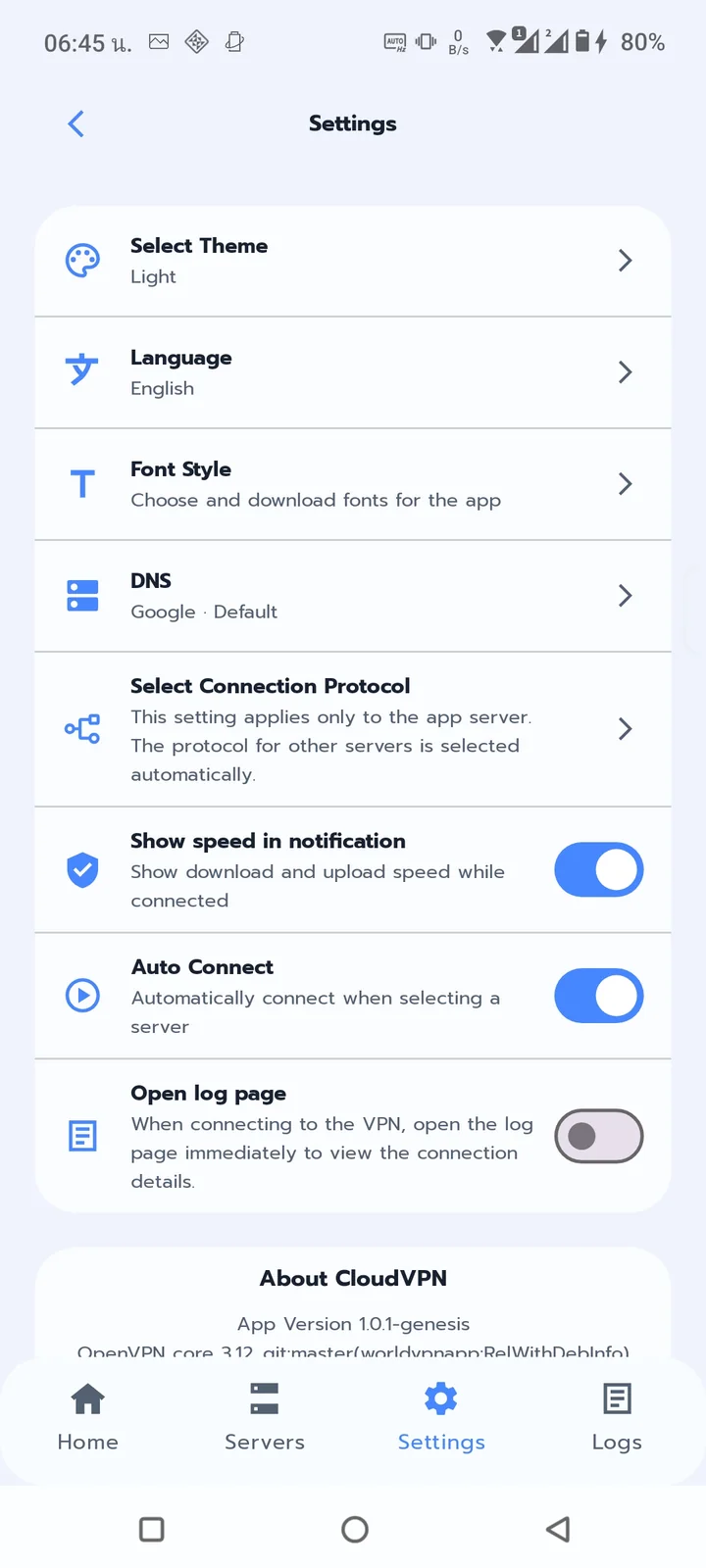
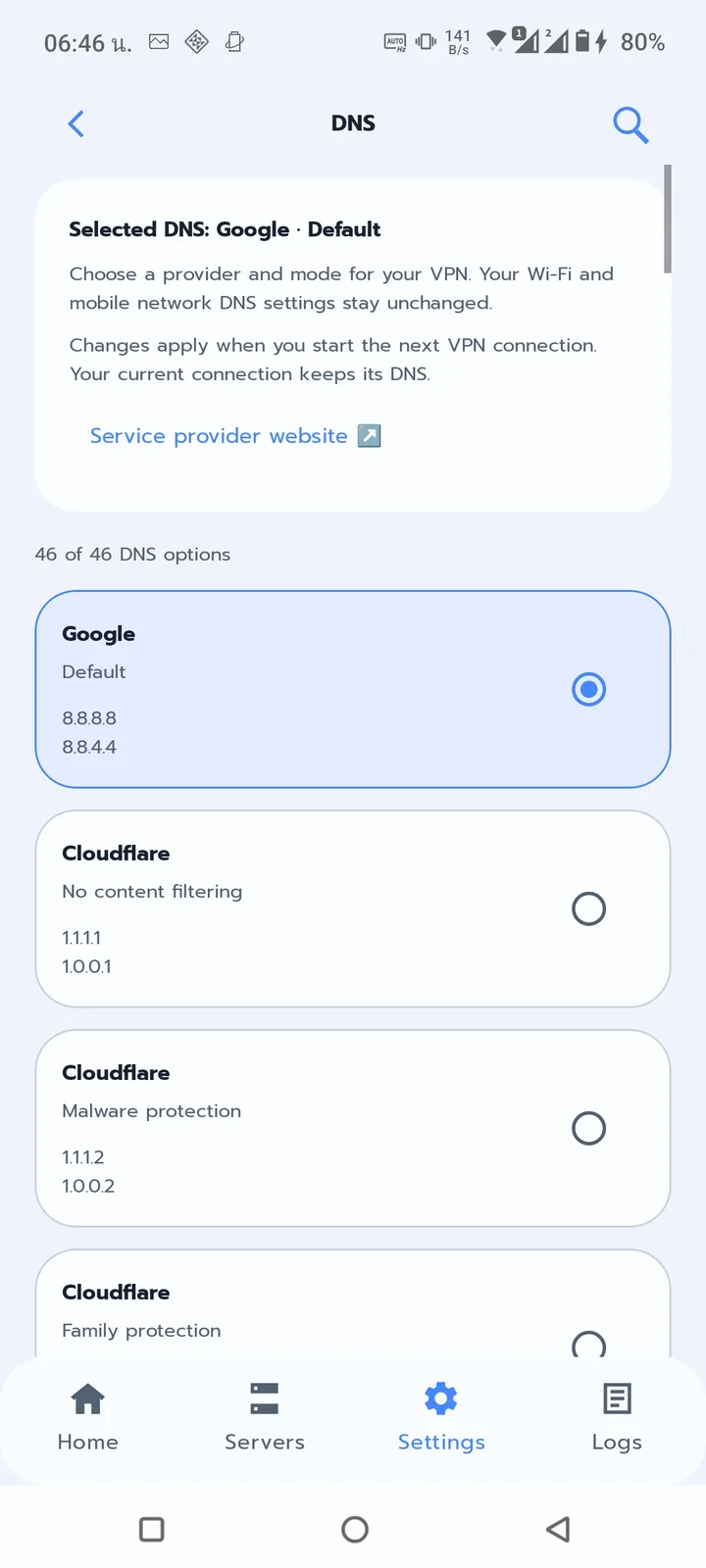
Get CloudVPN from Google Play and open the app on your Android device.
Open the server list and select an available connection option.
Start your connection and approve the Android VPN permission prompt if it appears.
Note: VPN performance and server availability depend on your network and service conditions.
CloudVPN uses Android’s VPN service to connect your device to a VPN server and route supported traffic through an encrypted tunnel.
Performance depends on your internet service provider, network conditions, server location, and server availability.
Android displays a system permission prompt before allowing an app to establish a VPN connection. Review the prompt before approving.
No. VPNs can help protect traffic between your device and the VPN server, but cannot guarantee complete anonymity or protection from every online threat.
Explore available servers and enjoy a simpler VPN connection experience.